
How I Use Rex with ChatGPT Codex
I recently got an invite to try Rex, the terminal multiplexer from Superlogical. At first, I wasn't particularly excited. I didn't quite grok where it would fit into how I worked.
The invite came with an invitation to their Discord, so I joined and looked around for examples of how people were using it. I couldn't find a channel dedicated to use cases when I first joined, though there is one now. Without something concrete to try, I left it alone.
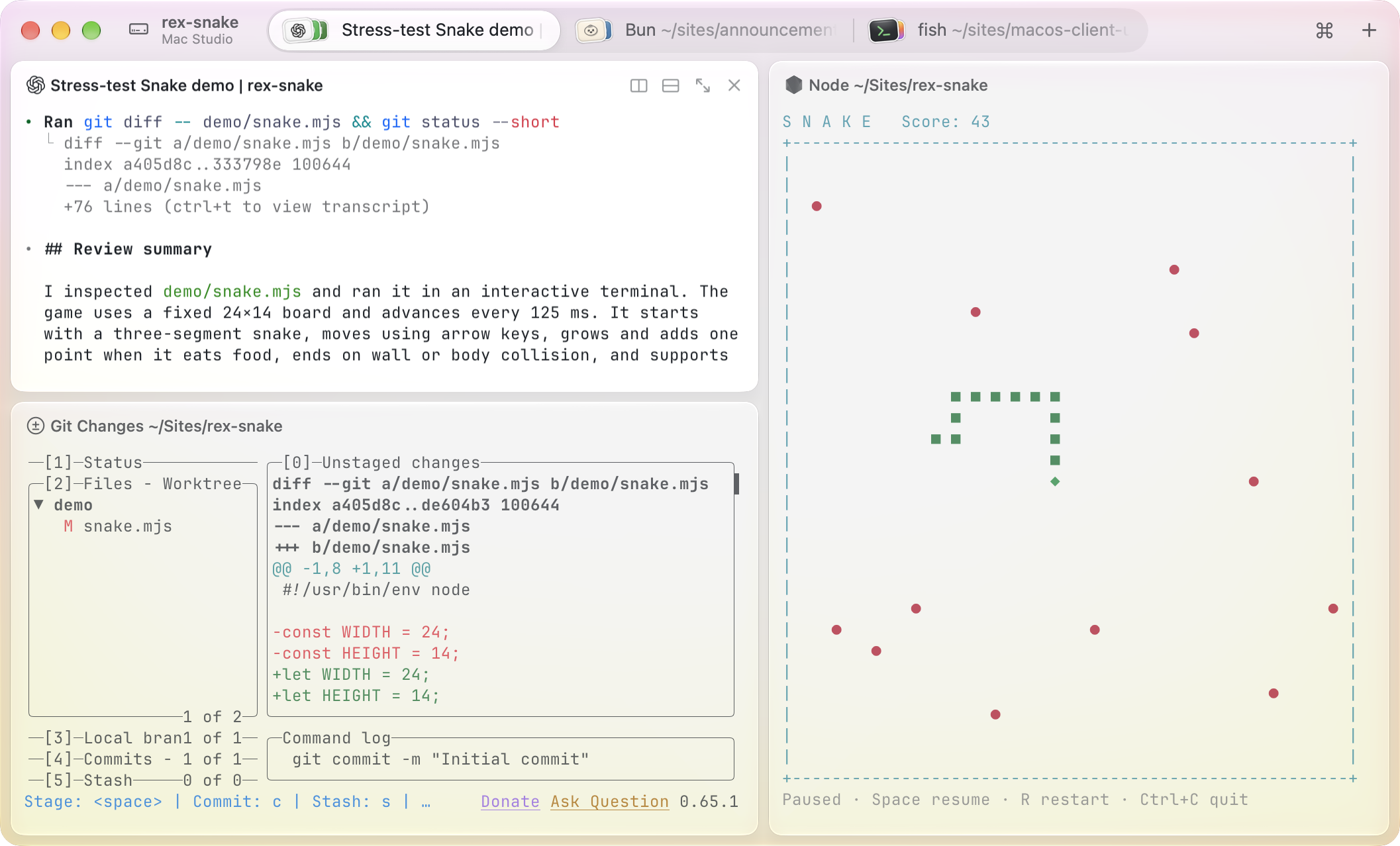
A few hours later, I was working on a project that needed several things running locally: the web frontend, an API server, background jobs, and the Expo development server. Then the app in the iOS Simulator needed to connect to the local API, with the background jobs using the right local services too.
Usually, that means opening terminals, moving into the right directories, starting each process, checking ports, and remembering which environment variables need changing. It is a familiar routine, but there are quite a few small things to get right before I can actually test anything.
And then it occurred to me: this was something I could try with Rex.
So I gave Codex a request:
Let's use Rex to spin up all of this, the web, server and mobile.
From that one request, Codex put together a Rex session with tabs for the different services, started them from the relevant checkouts, and connected the web and mobile apps to the local API. It opened the mobile app in the simulator through its development client too.
It even started a separate Redis instance, on its own port, and configured the development queues to use it.
That was the moment it clicked. One request, and I had a working local setup, including the supporting pieces I would usually have to sort out myself.
This made a lot of sense! I was already thinking about what else I could use it for.
Trying another worktree
The next thing that clicked was how useful this could be when testing different worktrees of the same project.
I might have one version running while reviewing a PR, then want to try another branch without dismantling the first setup. Each checkout needs its own processes, and those processes need to avoid fighting over ports or accidentally sharing the wrong queues.
With Rex, I can ask Codex to create another session for that worktree and do the setup there. One session holds one version of the application, another holds the version I want to compare it with. I can move between them and see what each is running.
The request becomes something like:
Bring up this PR in a separate Rex session. Use separate ports, point the mobile app at its local API, and give its background workers their own Redis setup. Keep the existing session running.
There is still configuration involved. Git worktrees give me separate checkouts; Codex handles configuring the ports and services through Rex, and leaves the result somewhere I can inspect.
I used this while working on another PR that wasn't ready to go live yet. It had its own Rex session for local testing, while the existing workspace stayed available. I could try the changes without having to take apart the setup I was already using.
Is this actually the latest checkout?
Once I started using it this way, I kept asking another question:
Is Rex running the checkout where these updates are?
During one review, some services were still running from earlier revisions. The commits had been pushed; the running processes needed refreshing.
So the next request was:
Let's update Rex sessions to the latest checkout, exit the previous sessions.
Codex could check the directories and revisions, restart the relevant processes, and confirm that they were ready. An Overview tab with the local URLs and restart instructions helped me keep track of the result.
After deploying, keep an eye on it
Continuing to use the combination, I realised I could take it a little further. Once an update was deployed, I could ask Codex to keep an eye on the logs through Rex while I tested it.
A request might look like this:
The update is deployed. Use Rex to keep the logs running while I test. Watch for errors related to this change, check that the application is responding, and flag anything new. Review it every five minutes for the next two hours, then stop the watch.
Codex set up a log watcher in a named Rex tab, with periodic health checks and saved output to review. The watcher kept running between the scheduled Codex reviews, and I could open the same tab to see what was happening myself.
I like being able to follow up with “what happened when I tried that?” The logs and checks are already there to work from. I can describe what I saw in the application, and Codex can compare that with what the watcher collected.
The review also needs to tell me which release it watched, how long it ran, and whether there were gaps. That gives the result some context when I come back to it later.
And once we are done, I ask Codex to close the session. Otherwise, I would eventually end up with a very organised collection of terminals doing things I no longer remember starting :-)
Updating my Mac
I've used the same combination for maintenance on my own Mac too.
After looking into the eMudhra certificate compromise, I wanted to check the developer tools on my machine. The incident report included test endpoints for checking whether a client still trusted the compromised certificates, and my Mac's curl was accepting one of them.
So I asked:
Can you check and fix my Mac too? The curl test there was still accepting the compromised certificate.
Codex checked the affected tools and certificate stores, worked through the updates and local fixes, and reran the checks. We checked that the affected clients rejected the compromised test certificates and could still connect to ordinary HTTPS sites.
Then I thought, while we were already doing this:
Also, thinking about it, can we use Rex to do a broader Homebrew packages update?
That turned into a review of the outdated packages, an update plan, and the upgrades running in a named Rex tab. I could return to it to see the downloads and installation progress, while Codex checked the results and dealt with the follow-up issues.
What started as a question about a security report became a broader maintenance session. I could keep giving the next instruction from the same conversation and see the work happening in the terminal.
Trying out an idea
I've also found this useful when I want to compare approaches before deciding whether to change something.
In one case, I wanted to know whether a proposed change would reduce cost and improve speed without making the results less reliable. The request was essentially:
Use Rex to compare the current approach with these alternatives. Keep the test conditions consistent, compare cost and time, and check whether the results are still correct. Save the output so we can inspect it afterward.
Codex put together the comparison, ran it through Rex, and left the results available in a named tab, with the supporting output saved.
That gave me somewhere to continue from. I could ask why one result looked different, whether a cheaper approach had lost something useful, or what we should investigate next. The experiment and its output stayed available as the conversation developed.
Getting Codex set up
Rex has an agent skill that teaches Codex how to work with its sessions, tabs, and panes. The setup command is:
rex skill setupThe skill reads its command guide from the installed version of Rex, which helps while things are changing during the beta.
One thing I'm still figuring out
There is one thing I am still getting used to, and I'm not quite sure I would call it a con: the boundary between what Rex is doing and what Codex is doing can feel blurry.
I ask for a local environment, and services appear in the right tabs. I ask for a release watch, and there is a terminal collecting logs and a later update about what it found. In use, it feels like one thing.
The distinction I have so far is that Rex keeps the terminal sessions and processes available and gives software a way to control and inspect them. Codex works out which commands to run, prepares the configuration or scripts, and interprets the results.
I can describe that distinction, but I am still building an instinct for it when I use the two together. I expect more usage will give me a clearer picture of where one stops and the other takes over.
For now, a surprising number of my requests end with “can we use Rex for this?” Getting several local services running was enough to make it click. Being able to leave that work open and follow it through testing, deployment, and the next question has kept me using it.

Edwards Moses
Web & Mobile — React & React Native Consultant
I'm Edwards, based in Lagos, Nigeria.
Freelancer Software Developer — collaborating with teams to craft extraordinary products.
From conception through to completion, I find immense joy in witnessing the evolution of an idea into a fully realized product in the hands of users. Check out my projects and articles to see what I've been up to lately.
Ready to bring your ideas to life? Let's connect!
Comments